
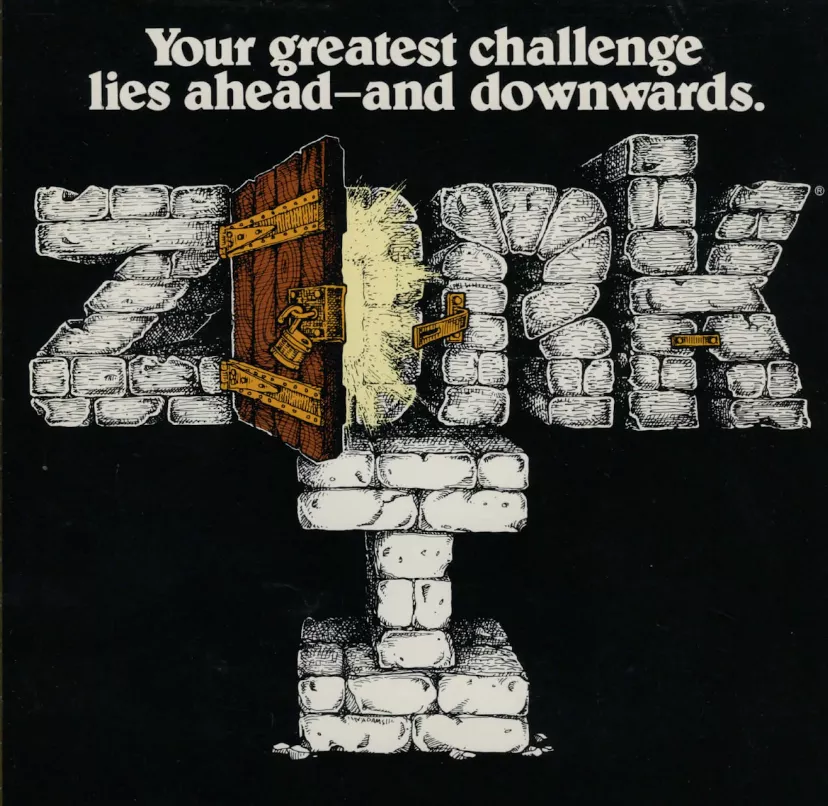

Zork I: The Legendary Text Adventure Classic
Zork: The Great Underground Empire is one of the most foundational and influential video games in history, created by Tim Anderson, Marc Blank, Bruce Daniels, and Dave Lebling at MIT in 1977 and published by Infocom. Standing in an open field west of a white house with a boarded front door, your epic journey begins.
Driven entirely by a sophisticated natural language text parser, players type English commands—such as "open mailbox", "take sword", "light lantern", and "go north"—to explore the sprawling subterranean ruins of an ancient magical empire.
Collect twenty legendary treasures and place them inside the trophy case in the white house, solve intricate puzzles involving dams, floodgates, and magical spells, and heed the timeless warning: "It is pitch black. You are likely to be eaten by a grue."
How to play Zork: The Great Underground Empire
- Type full-sentence English commands into the text terminal (e.g., "take all", "open door", "examine chest").
- Use compass directions ("north", "south", "east", "west", "up", "down") or abbreviations ("n", "s", "e", "w") to move.
- Always keep your brass lantern lit when entering dark caves to prevent being devoured by grues.
- Collect ancient treasures and return them to the trophy case inside the white house to score points.
Tips for winning and high scores
- Type "verbose" at the start to ensure the game prints full, detailed room descriptions on every visit.
- Draw a physical or digital map as you explore; underground maze rooms wrap around in confusing directions.
- Type "inventory" (or "i") to check what items you are carrying and manage your limited carrying capacity.
- Save frequently by typing "save" so you can reload if an encounter with the Thief or a troll goes awry.
Browser Architecture & Chromebook Compatibility
Zork challenges players with multi-step logic puzzles, observation, and sequential problem-solving rather than twitch reflexes. Built on lightweight HTML5 Canvas technology, it loads almost instantly over school Wi-Fi and uses very little system memory—making it ideal for quiet, lag-free play on managed school Chromebooks and laptops.
Frequently asked questions
Is Zork free to play?
Yes, Zork is 100% free to play directly in your web browser on Blooket1 with no downloads, plugins, or sign-ups required.
Does Zork run well on school Chromebooks?
Yes! It uses hardware-accelerated HTML5 and WebGL rendering designed to run smoothly at 60 FPS on managed school Chromebooks, Windows laptops, MacBooks, and tablets.
Is my game progress saved automatically?
Yes, your high scores, unlocked levels, and settings are saved automatically in your browser's local storage so you can pick up right where you left off.
How do I play if my school blocks this page?
Click the Stealth mode button in the top navigation bar to disguise your browser tab as Google Docs, Google Drive, or Classroom, launch Zork inside an about:blank tab, or switch to one of our official alternate links like blooket1.pages.dev or educational.blooket1.com. You can also check our Guides & Tier Lists for more tips.