


Klondike Solitaire: The World's Most Popular Card Game
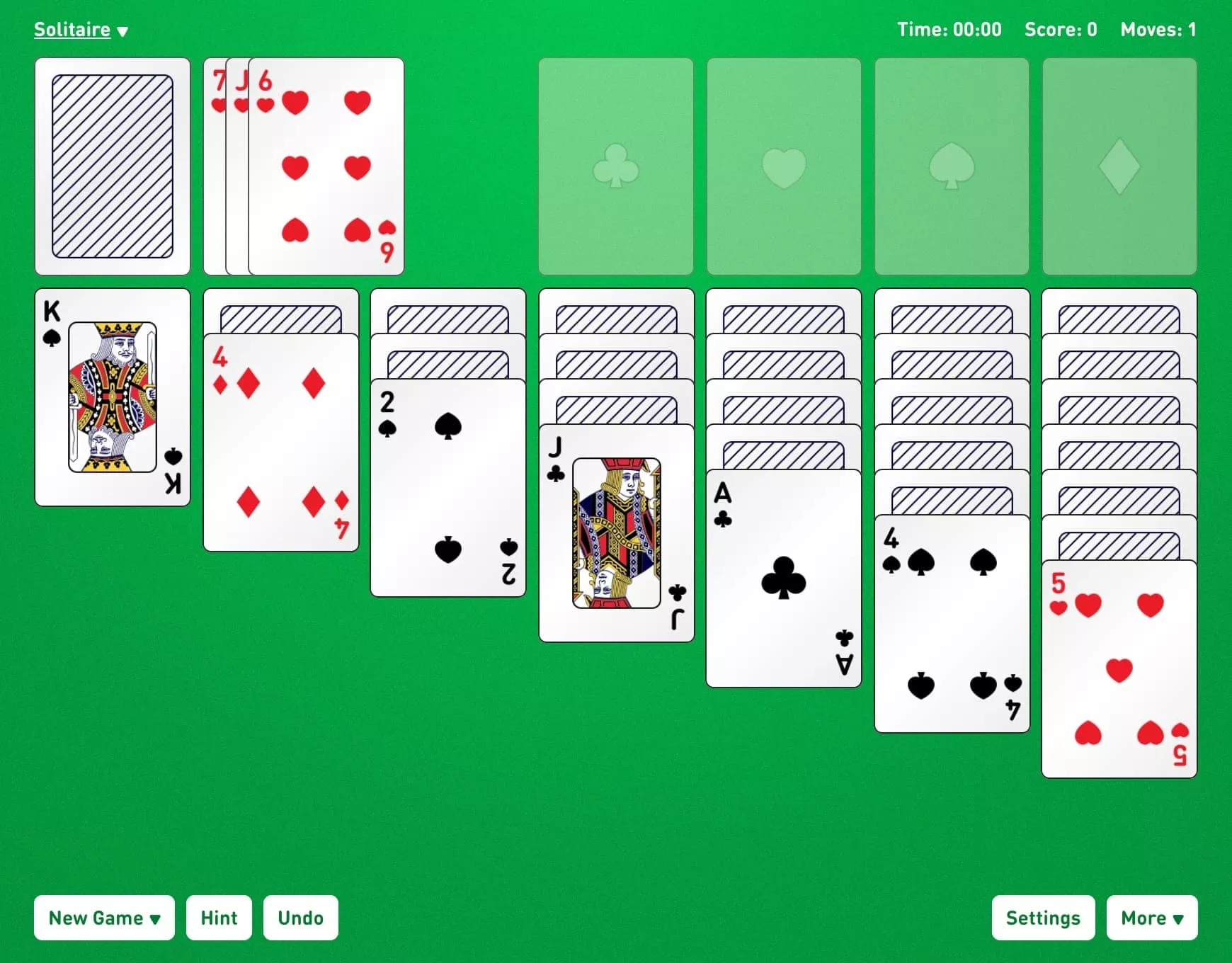
Klondike Solitaire is the quintessential single-player patience card game that has entertained players for over a century, made universally famous by its inclusion in Microsoft Windows since 1990. Your goal is to sort a standard 52-card deck into four foundation piles sorted by suit from Ace up to King.
Build descending tableau columns alternating between red and black cards (e.g. a black 7 on a red 8, or a red Queen on a black King). Move sequenced stacks of cards to uncover face-down cards, create empty columns that can be filled by Kings, and cycle through the stock pile.
Featuring both relaxing Draw-1 and challenging Draw-3 deal modes, smooth card dragging, unlimited undo support, and satisfying automatic cascade finishing animations, Klondike Solitaire is the gold standard of casual card gaming.
How to play Klondike Solitaire
- Click and drag cards to place them in descending order with alternating red and black suits.
- Move Aces to the four foundation slots at the top, then build them up in suit order (Ace through King).
- Click the stock deck in the top-left corner to reveal new cards when no tableau moves are available.
- Fill empty tableau columns with Kings to build new descending card sequences.
Tips for winning and high scores
- Uncover face-down cards first: always prioritize moving tableau cards that reveal hidden face-down cards underneath.
- Don't rush to move cards to foundation piles if you still need them on the tableau to build descending runs.
- Empty spaces are powerful: use empty columns strategically to hold Kings and reorganize tangled suits.
- Double-click cards for automatic placement into foundation piles once their lower values are accounted for.
Technical Overview & Chromebook Performance
Solitare rewards spatial reasoning, pattern recognition, and forward planning on every move. Built with lightweight HTML5 Canvas rendering and clean JavaScript state management, it launches in seconds over classroom Wi-Fi and runs effortlessly on managed school Chromebooks and laptops without taxing CPU or RAM resources.
Frequently asked questions
Is Solitare free to play?
Yes, Solitare is 100% free to play directly in your web browser on Blooket1 with no downloads, plugins, or sign-ups required.
Does Solitare run well on school Chromebooks?
Yes! It uses hardware-accelerated HTML5 and WebGL rendering designed to run smoothly at 60 FPS on managed school Chromebooks, Windows laptops, MacBooks, and tablets.
Is my game progress saved automatically?
Yes, your high scores, unlocked levels, and settings are saved automatically in your browser's local storage so you can pick up right where you left off.
How do I play if my school blocks this page?
Click the Stealth mode button in the top navigation bar to disguise your browser tab as Google Docs, Google Drive, or Classroom, launch Solitare inside an about:blank tab, or switch to one of our official alternate links like blooket1.pages.dev or educational.blooket1.com. You can also check our Guides & Tier Lists for more tips.