
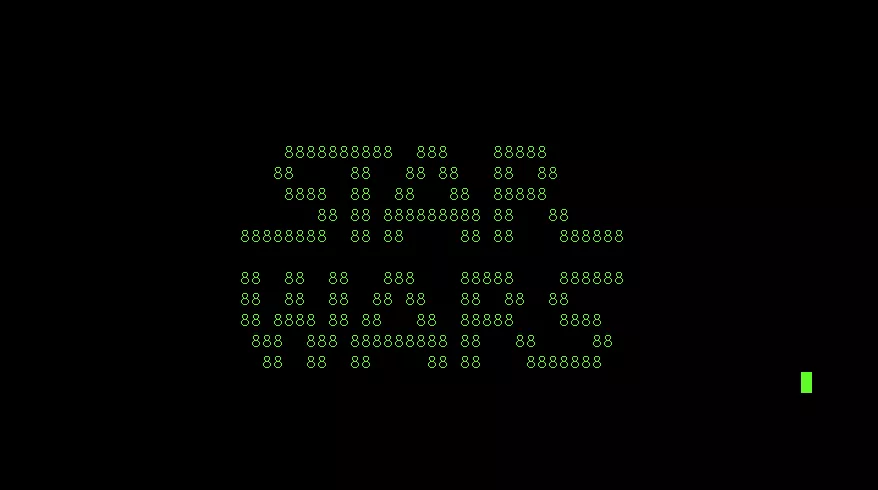



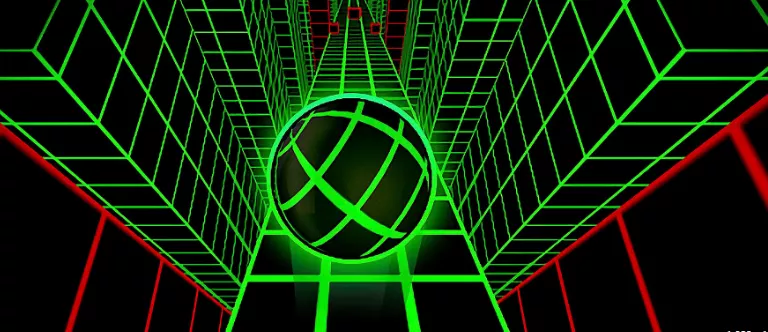

Star Wars: The Iconic Death Star Trench Run
Star Wars: Trench Run is a thrilling 3D arcade space combat flight simulator inspired by Atari's historic 1983 vector arcade game and the climactic finale of Star Wars: A New Hope. Strap into the cockpit of an Incom T-65 X-Wing starfighter and target the Empire's ultimate superweapon.
Engage in heart-pounding dogfights against Imperial TIE fighters and Darth Vader's TIE Advanced in deep space orbit. Use your quad laser cannons to blast starfighters and switch deflector shields to absorb incoming fire.
Fly down the narrow Death Star trench at breakneck velocity, dodging heavy turbo-laser fire and catwalk obstacles. Use the Force, disable your targeting computer, and launch proton torpedoes cleanly into the two-meter thermal exhaust port to save the galaxy!
How to play Star Wars Arcade: Trench Run
- Use Mouse or WASD to steer your X-Wing starfighter's flight path and target reticle.
- Left-click or Spacebar to fire quad laser cannons at enemy TIE fighters.
- Weave between turbo-laser towers and surface laser barricades along the Death Star trench.
- Fire proton torpedoes into the glowing thermal exhaust port at the end of the trench run.
Tips for winning and high scores
- Lead your shots: aim slightly ahead of darting TIE fighters to allow your laser bolts to intersect their flight path.
- In the trench run, fly low and center to avoid heavy fire from surface turbo-laser batteries.
- Roll your starfighter to squeeze through narrow catwalk openings along the trench walls.
- Trust your instincts: launch torpedoes right as the thermal exhaust port flashes green on your HUD.
Chromebook Performance & Browser Architecture
Star Wars is built for modern web browsers using hardware-accelerated HTML5 Canvas and WebGL graphics. By streaming compressed assets and running inside an optimized browser sandbox, it keeps memory usage low and frame rates steady at 60 FPS on managed school Chromebooks, Windows laptops, and classroom Wi-Fi networks.
Frequently asked questions
Is Star Wars free to play?
Yes, Star Wars is 100% free to play directly in your web browser on Blooket1 with no downloads, plugins, or sign-ups required.
Does Star Wars run well on school Chromebooks?
Yes! It uses hardware-accelerated HTML5 and WebGL rendering designed to run smoothly at 60 FPS on managed school Chromebooks, Windows laptops, MacBooks, and tablets.
Is my game progress saved automatically?
Yes, your high scores, unlocked levels, and settings are saved automatically in your browser's local storage so you can pick up right where you left off.
How do I play if my school blocks this page?
Click the Stealth mode button in the top navigation bar to disguise your browser tab as Google Docs, Google Drive, or Classroom, launch Star Wars inside an about:blank tab, or switch to one of our official alternate links like blooket1.pages.dev or educational.blooket1.com. You can also check our Guides & Tier Lists for more tips.