






3D Pinball: The Legendary Space Cadet Table
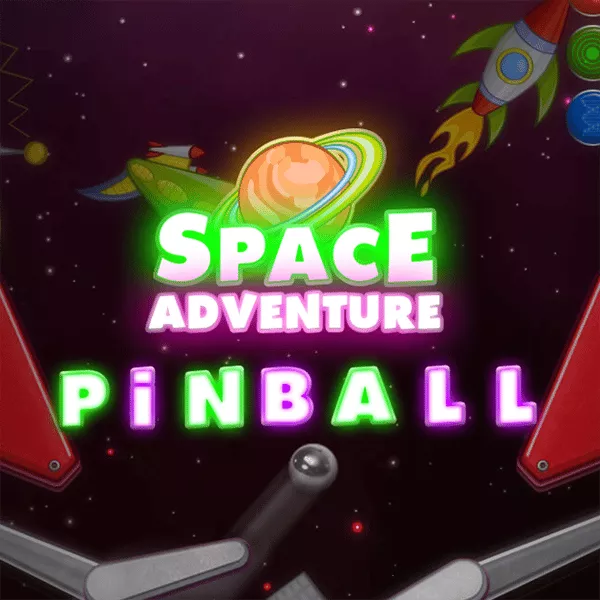
3D Pinball: Space Cadet is the legendary pinball simulation developed by Cinematronics and Maxis, famously included with millions of Windows installations worldwide. Launch into high-orbit missions as a space recruit striving to climb the ranks of the galactic fleet.
Featuring authentic ball physics, responsive flippers, and detailed sound design, players shoot the steel ball into target bumpers, fuel pods, gravity wells, and planetary ramps. Complete specific objective sequences to advance your military rank from Cadet up to Fleet Admiral.
Activate Hyperspace ramps to trigger Multi-Ball mayhem, lock balls in the fuel depot, and trigger gravity multipliers to rack up multi-million point scores in this timeless arcade masterpiece.
How to play 3D Pinball: Space Cadet
- Hold and release Spacebar to pull back the plunger and launch the ball into the playfield.
- Press Z or Left Arrow to operate the left flipper; press / or Right Arrow to operate the right flipper.
- Aim for lit target lamps and ramps to accept and complete space missions.
- Press Spacebar or X to gently nudge the table, but beware of tilting the machine!
Tips for winning and high scores
- Cradle the ball: catch and hold the steel ball on a raised flipper to stop its momentum and line up precise ramp shots.
- Complete fuel light targets to activate the Hyperspace chute for high-scoring rank promotions.
- Keep the ball out of side outlanes by using well-timed upward flipper flips as the ball rolls near the center drain.
- Avoid excessive table nudging: nudging too aggressively triggers a "Tilt!" warning that disables flippers.
Chromebook Performance & Browser Architecture
Pin Ball is built for modern web browsers using hardware-accelerated HTML5 Canvas and WebGL graphics. By streaming compressed assets and running inside an optimized browser sandbox, it keeps memory usage low and frame rates steady at 60 FPS on managed school Chromebooks, Windows laptops, and classroom Wi-Fi networks.
Frequently asked questions
Is Pin Ball free to play?
Yes, Pin Ball is 100% free to play directly in your web browser on Blooket1 with no downloads, plugins, or sign-ups required.
Does Pin Ball run well on school Chromebooks?
Yes! It uses hardware-accelerated HTML5 and WebGL rendering designed to run smoothly at 60 FPS on managed school Chromebooks, Windows laptops, MacBooks, and tablets.
Is my game progress saved automatically?
Yes, your high scores, unlocked levels, and settings are saved automatically in your browser's local storage so you can pick up right where you left off.
How do I play if my school blocks this page?
Click the Stealth mode button in the top navigation bar to disguise your browser tab as Google Docs, Google Drive, or Classroom, launch Pin Ball inside an about:blank tab, or switch to one of our official alternate links like blooket1.pages.dev or educational.blooket1.com. You can also check our Guides & Tier Lists for more tips.