
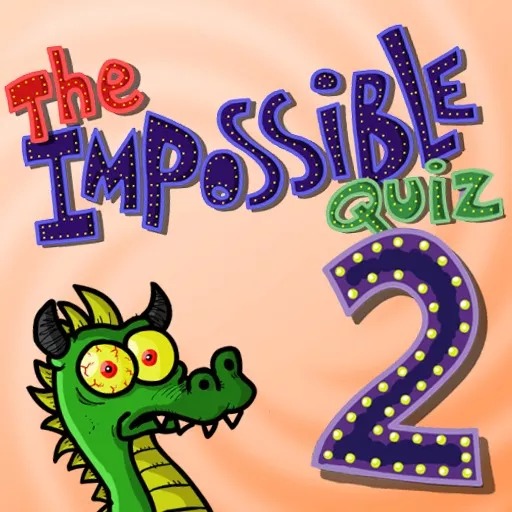

The Impossible Quiz 2: More Questions, More Insanity
The Impossible Quiz 2 is the even wilder, more fiendish sequel to Splapp-me-do's legendary brainteaser. Featuring 120 brand-new questions, this follow-up introduces refined hand-drawn animations, new recurring characters like Chris the Cat, and even more diabolical trick questions.
Navigate mind-bending riddles where answers require keyboard inputs, dragging puzzle elements outside the flash window, clicking hidden microscopic pixels, and surviving nail-biting time-bomb sequences.
Collect the elusive "Fusestopper" power-ups to defuse bomb questions, bank skips for the brutal final stretch, and test whether your patience and lateral thinking are sharp enough to claim quizmaster glory.
How to play The Impossible Quiz 2
- Analyze the question, riddle, or scenario presented on each screen.
- Interact with answer buttons, hidden items, or type keyboard inputs when prompted.
- Defuse or answer bomb countdowns before the fuse burns down to zero.
- Complete all 120 questions without depleting your five starting lives.
Tips for winning and high scores
- Expect the unexpected: if an answer seems too obvious, it is almost certainly a lethal trap.
- Fusestoppers are precious: save them for 1-second or 2-second lightning bombs in the late game.
- Keep your mouse moving to detect hidden cursor changes that reveal invisible clickable elements.
- Pay close attention to subtle visual clues in drawings; background details often reveal the solution.
Browser Architecture & Chromebook Compatibility
Impossible Quiz 2 challenges players with multi-step logic puzzles, observation, and sequential problem-solving rather than twitch reflexes. Built on lightweight HTML5 Canvas technology, it loads almost instantly over school Wi-Fi and uses very little system memory—making it ideal for quiet, lag-free play on managed school Chromebooks and laptops.
Frequently asked questions
Is Impossible Quiz 2 free to play?
Yes, Impossible Quiz 2 is 100% free to play directly in your web browser on Blooket1 with no downloads, plugins, or sign-ups required.
Does Impossible Quiz 2 run well on school Chromebooks?
Yes! It uses hardware-accelerated HTML5 and WebGL rendering designed to run smoothly at 60 FPS on managed school Chromebooks, Windows laptops, MacBooks, and tablets.
Is my game progress saved automatically?
Yes, your high scores, unlocked levels, and settings are saved automatically in your browser's local storage so you can pick up right where you left off.
How do I play if my school blocks this page?
Click the Stealth mode button in the top navigation bar to disguise your browser tab as Google Docs, Google Drive, or Classroom, launch Impossible Quiz 2 inside an about:blank tab, or switch to one of our official alternate links like blooket1.pages.dev or educational.blooket1.com. You can also check our Guides & Tier Lists for more tips.