

G-Switch: The Original Gravity-Inversion Runner
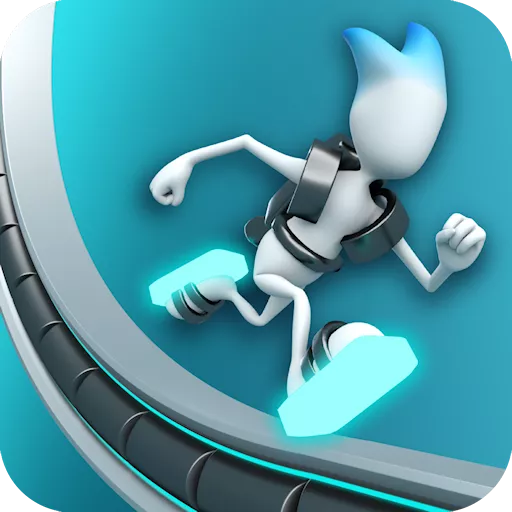
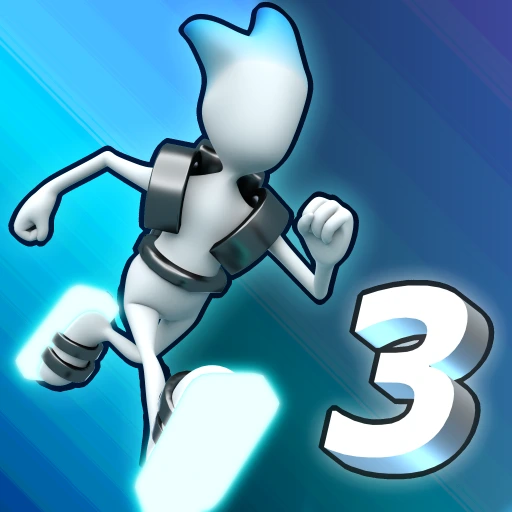
G-Switch is Vasco Freitas' groundbreaking 2010 Flash runner that launched the beloved gravity-inverting franchise. Instead of jumping over obstacles, players control an armored cybernetic sprinter who inverts the laws of physics with a single keystroke.
Sprint at breakneck speed along metallic floors and ceilings. When obstacles, bottomless pits, or spike traps block your path, flip gravity upside down to run on the ceiling. Timing is critical: flip too early or too late, and your runner will plummet into outer space.
Featuring an adrenaline-pumping single-player campaign, an unforgiving endless survival mode, and legendary local multiplayer support for up to 6 players on a single keyboard, G-Switch is a pure masterpiece of twitch reflex gaming.
How to play G-Switch
- Press Left Click, Spacebar, or X to invert gravity and flip to the opposite running surface.
- Keep your runner on a solid path while avoiding spikes and bottomless chasms.
- Collect speed orbs to surge through obstacles at hypersonic velocities.
- Be the last player standing in multiplayer mode to claim round victory.
Tips for winning and high scores
- Remember: you can only invert gravity while your feet are grounded on a surface—you cannot flip mid-air!
- Anticipate upcoming gaps early; flipping gravity while running at full speed requires split-second anticipation.
- In multiplayer matches, stay calm when opponents crash; consistency and composure always beat frantic button spam.
- Memorize tricky level transitions in single-player mode to master the timing of rapid consecutive flips.
Physics Engine & Chromebook Performance
Gswitch pairs unpredictable 2D ragdoll and projectile physics with instant keyboard response, making angle calculation and timing the key to winning every match. Compiled for HTML5 Canvas and WebGL, it runs at a locked 60 FPS on managed school Chromebooks and laptops—even during chaotic two-player split-keyboard matches.
Frequently asked questions
Is Gswitch free to play?
Yes, Gswitch is 100% free to play directly in your web browser on Blooket1 with no downloads, plugins, or sign-ups required.
Does Gswitch run well on school Chromebooks?
Yes! It uses hardware-accelerated HTML5 and WebGL rendering designed to run smoothly at 60 FPS on managed school Chromebooks, Windows laptops, MacBooks, and tablets.
Is my game progress saved automatically?
Yes, your high scores, unlocked levels, and settings are saved automatically in your browser's local storage so you can pick up right where you left off.
How do I play if my school blocks this page?
Click the Stealth mode button in the top navigation bar to disguise your browser tab as Google Docs, Google Drive, or Classroom, launch Gswitch inside an about:blank tab, or switch to one of our official alternate links like blooket1.pages.dev or educational.blooket1.com. You can also check our Guides & Tier Lists for more tips.