





Capybara Clicker: The Ultimate Chill Clicker Tycoon
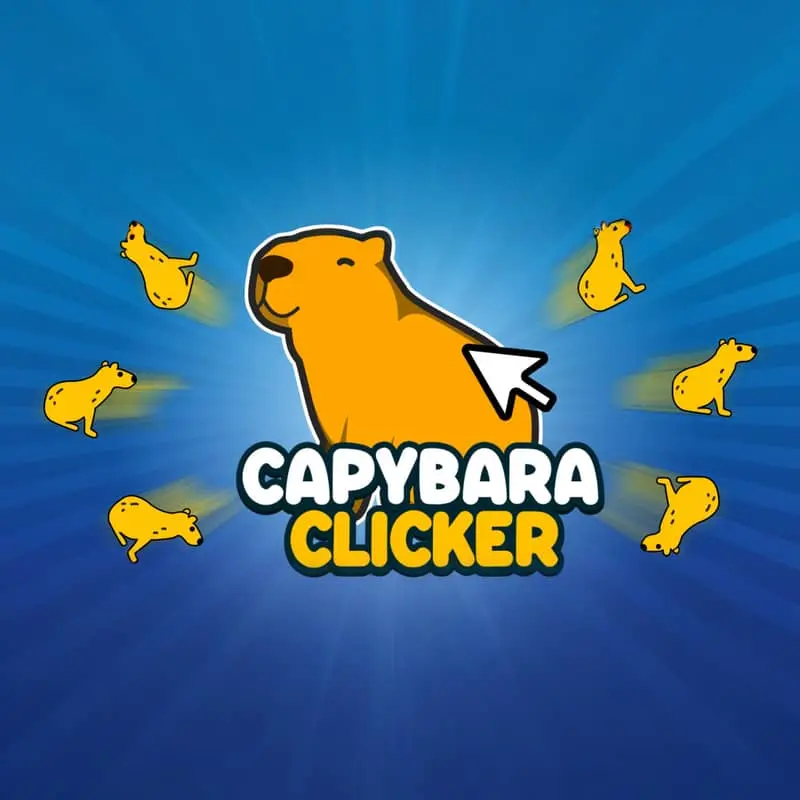
Capybara Clicker is the viral idle clicker sensation starring the world's most chill and beloved rodent. Click the giant capybara to generate capybaras, watching your rodent counter skyrocket from humble dozens into billions and quintillions.
Invest your capybara currency into automated production upgrades—from friendly capybara companions and cozy hot spring baths to corporate capybara farms and galactic capybara temples that produce millions of capybaras per second passively.
Dress up your capybara in dozens of hilarious outfits, including cowboy hats, wizard robes, and regal crowns. Change dynamic weather backdrops from sunny tropical rain to snowy blizzards, and trigger prestige ascensions for permanent production multipliers.
How to play Capybara Clicker
- Click or tap the capybara in the center of the screen to produce capybaras manually.
- Purchase automatic production generators in the right-hand shop to generate capybaras continuously.
- Buy tier multipliers and golden capybara perks to boost your click efficiency and passive output.
- Unlock stylish hats, costumes, and environmental themes in the customization menu.
Tips for winning and high scores
- Balance manual click upgrades with passive generators early on to build a steady stream of income.
- Click Golden Capybaras whenever they appear on the screen to trigger massive temporary production frenzy buffs.
- Check the achievements tab regularly—unlocking milestones grants permanent global multiplier bonuses.
- Use Ascend resets once progression slows down to gain permanent Golden Capybara multipliers.
Browser Performance & Local Storage Architecture
Capybara Clicker acts as a real-time resource management and compounding math simulator, tracking production rates, efficiency upgrades, and automated workflows in the background. Engineered in lightweight HTML5 and JavaScript with automatic localStorage persistence, it uses minimal CPU and memory so it can run smoothly alongside other tabs on school Chromebooks and laptops.
Frequently asked questions
Is Capybara Clicker free to play?
Yes, Capybara Clicker is 100% free to play directly in your web browser on Blooket1 with no downloads, plugins, or sign-ups required.
Does Capybara Clicker run well on school Chromebooks?
Yes! It uses hardware-accelerated HTML5 and WebGL rendering designed to run smoothly at 60 FPS on managed school Chromebooks, Windows laptops, MacBooks, and tablets.
Is my game progress saved automatically?
Yes, your high scores, unlocked levels, and settings are saved automatically in your browser's local storage so you can pick up right where you left off.
How do I play if my school blocks this page?
Click the Stealth mode button in the top navigation bar to disguise your browser tab as Google Docs, Google Drive, or Classroom, launch Capybara Clicker inside an about:blank tab, or switch to one of our official alternate links like blooket1.pages.dev or educational.blooket1.com. You can also check our Guides & Tier Lists for more tips.